Last Updated: November 12, 2026
The GTA 6 preload is already open — and at up to 212 GB, this is not a download you want to start on launch night. Digital pre-orders began pre-loading on November 10, 2026: at midnight local time on PS5, and at 12:00 AM GMT worldwide on Xbox Series X|S. If you set it up now, Grand Theft Auto VI will sit installed on your console, ready to play the second it unlocks on November 19.
This guide covers the confirmed download size, exactly how much space to clear, and the step-by-step preload setup on both consoles — including what to do if your preload has not started.
Quick answer: Preload opened November 10 (PS5: midnight local; Xbox: 12:00 AM GMT). You need up to 212 GB of free space, depending on your device. Turn on automatic downloads, leave your console in Rest Mode (PS5) or Sleep (Xbox), and the game downloads itself. Pre-loading is not early access — the game stays locked until your region’s unlock time.
GTA 6 Download Size: How Much Space Do You Need?
Rockstar’s pre-load FAQ says the preload requires up to 212 GB of available space, depending on your device, and PlayStation tells PS5 owners to clear a minimum of 212 GB. Two honest caveats:
- Rockstar has not published an exact separate figure for PS5, PS5 Pro, Series X and Series S — 212 GB is the ceiling, not a per-model size.
- As of this update, Rockstar has not confirmed a day-one patch size. Plan a little headroom above 212 GB if you can, so a launch update never blocks you at midnight.
Where the game must live matters too: on PS5 it has to install on the internal SSD or an installed M.2 SSD (USB drives can store PS5 games but cannot run them). On Xbox it must be on the internal drive or a Storage Expansion Card to play.
How Long Will the GTA 6 Preload Take?
For a full ~212 GB download at a steady speed, rough best-case times are:
| Connection speed | Approximate download time |
|---|---|
| 25 Mbps | ~18.9 hours |
| 50 Mbps | ~9.4 hours |
| 100 Mbps | ~4.7 hours |
| 200 Mbps | ~2.4 hours |
| 500 Mbps | ~57 minutes |
Real speeds vary, which is exactly why pre-loading days early beats fighting launch-night congestion. When your download finishes, check your exact unlock moment in our GTA 6 release time guide so you know the minute your copy goes live.
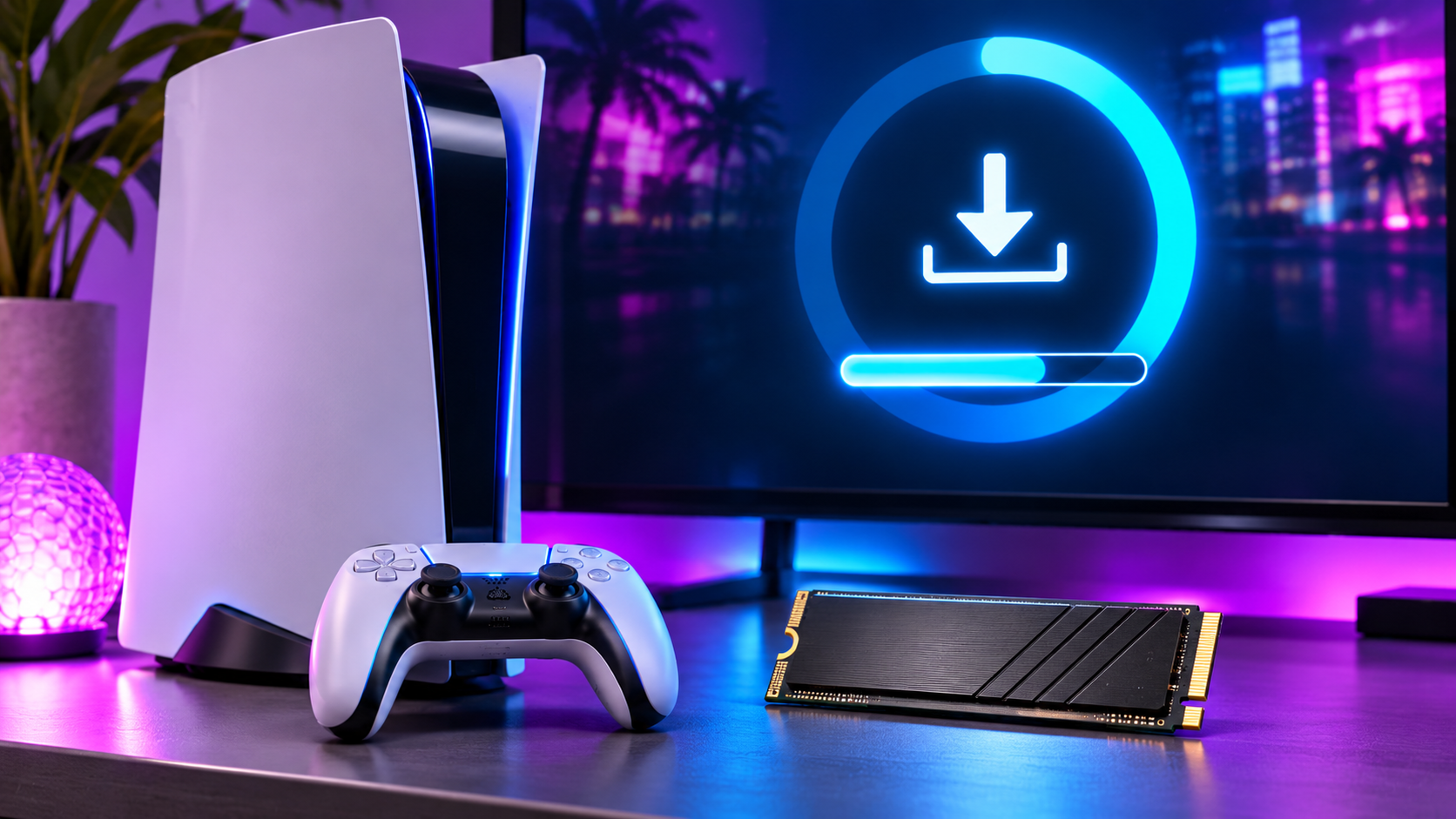
How to Preload GTA 6 on PS5 (Step by Step)
- Pre-order digitally on the PlayStation account you will play on (or redeem a boxed code — see below).
- Free up at least 212 GB: Settings → Storage, and delete or move games until you have the space on the internal SSD or M.2 drive.
- Turn on auto-download: Settings → Saved Data and Game/App Settings → Automatic Updates → turn on Auto-Download.
- Allow downloads in Rest Mode: Settings → System → Power Saving → Features Available in Rest Mode → turn on Stay Connected to the Internet.
- Confirm the pre-order is set to download: Game Library → Your Collection → select GTA VI → open the release countdown timer and make sure the checkbox beside the game is selected.
- Leave the console in Rest Mode and the preload runs on its own. You can check progress any time from the Downloads/Uploads screen.
How to Preload GTA 6 on Xbox Series X|S (Step by Step)
- Pre-order digitally on the Microsoft account you will play on (or redeem a boxed code — see below).
- Free up up to 212 GB: Settings → System → Storage devices, on the internal drive or a Storage Expansion Card.
- Turn on automatic updates: Profile & system → Settings → System → Updates → turn on Keep my games & apps up to date.
- Set the power mode to Sleep: Profile & system → Settings → General → Power options → choose Sleep, so updates can download while the console is “off”.
- Leave the console in Sleep (or on) and the preload installs automatically. Check it under My games & apps → Manage → Queue.
Bought the Physical Copy? Your Preload Starts With a Code
The boxed edition contains a download code, not a disc, and copies are expected at retailers from November 12. Redeem the code on your console account (PlayStation Store → Redeem Codes, or Microsoft Store → Redeem), and your preload starts exactly like a digital copy — same 212 GB, same unlock time. Owning the box early does not unlock the game early.
Preload Not Starting? Run This Checklist
- Wrong account: the preload only appears on the account that owns the pre-order or redeemed the code.
- Not enough space: if free space drops below the requirement, the download pauses. Clear more than 212 GB.
- Auto-download is off: re-check the settings above — a console update can reset them.
- Console fully powered off: PS5 needs Rest Mode and Xbox needs Sleep; a fully shut-down console cannot download.
- Still nothing? Open the game in your library/store and start the download manually from its page.
Which Edition Are You Pre-Loading?
Both the Standard Edition ($79.99) and the Ultimate Edition ($99.99) preload on the same schedule — the edition changes the bonus content, not the download window. If you have not decided yet, our GTA 6 editions compared guide breaks down what each version actually includes before you pay.
GTA 6 Preload: FAQs
When did the GTA 6 preload start?
November 10, 2026 — at midnight local time on PS5, and at 12:00 AM GMT worldwide on Xbox Series X|S, for digital pre-orders. Boxed copies arrive from November 12; redeem the code inside to start pre-loading.
How big is the GTA 6 download?
Up to 212 GB of available space, depending on your device, according to Rockstar’s pre-load FAQ. Rockstar has not published exact per-console sizes, and no day-one patch size has been confirmed.
Does pre-loading GTA 6 let me play early?
No. Pre-loading only installs the files. GTA 6 unlocks at midnight local time on November 19, 2026 in your store region, for every edition.
Can I preload GTA 6 without pre-ordering?
You need to own the game on your account first — either a digital pre-order or a redeemed boxed code. There is no free preload.
Where must GTA 6 be installed?
On PS5: the internal SSD or an M.2 SSD. On Xbox Series X|S: the internal drive or a Storage Expansion Card. USB storage can hold the game but cannot run it.
How long does the preload take on a 100 Mbps connection?
Roughly 4.7 hours for the full ~212 GB at a steady 100 Mbps — longer in practice, which is why starting days before November 19 is the smart move.










5 thoughts on “GTA 6 Preload Guide: Download Size and How to Preload on PS5 & Xbox”